Every pane in its place.
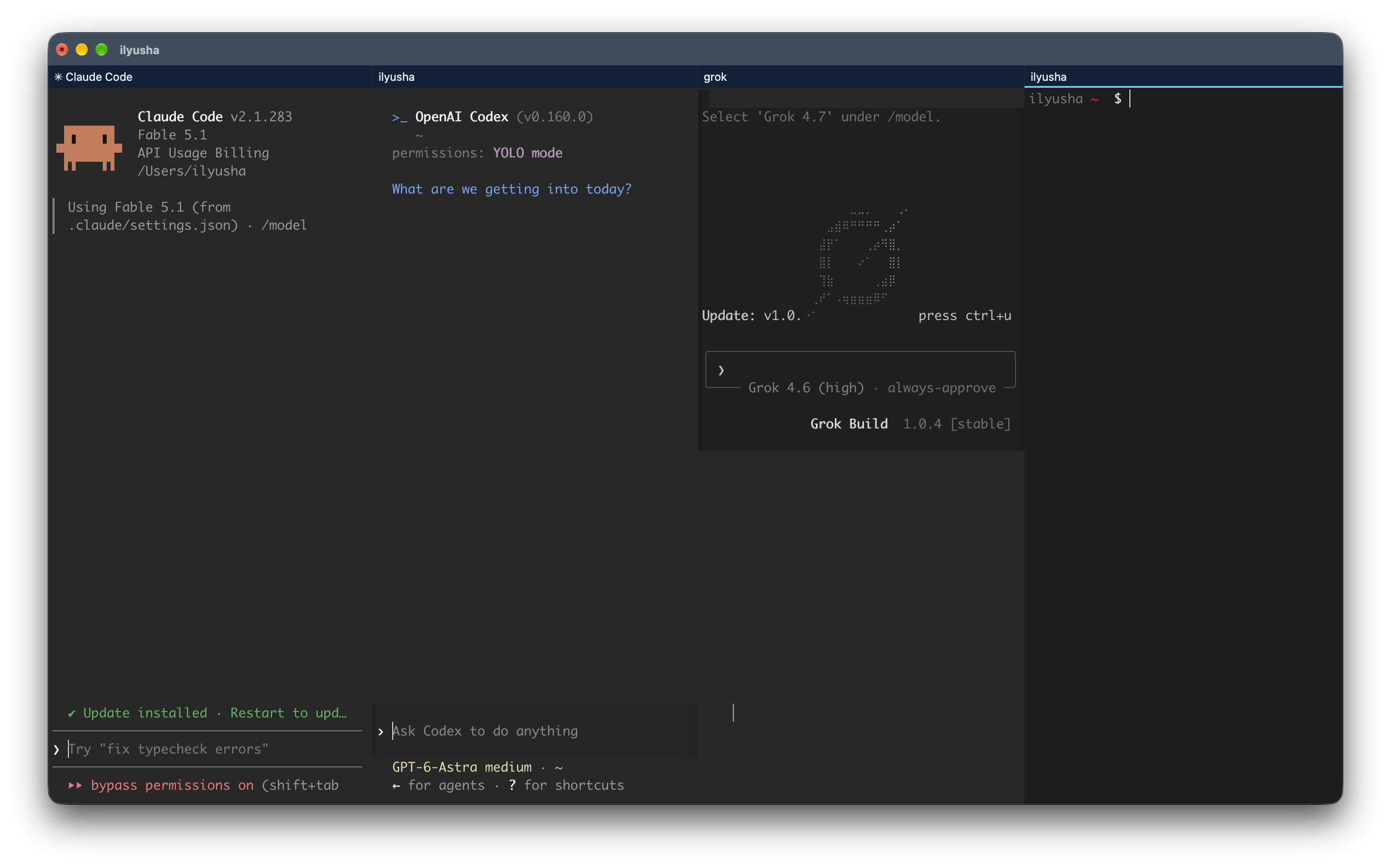
Keep your shell, coding agent, and running project together. Pane-aware tabs show your layout at a glance and highlight the active pane.
⌘ ⇧ P Find a command
 TermX
TermX
A familiar home for your commands, projects, and ideas. Make it yours, then get into your work.
Room to think
The small things you do all day should feel effortless. Give your workspace a little more intention.
Keep your shell, coding agent, and running project together. Pane-aware tabs show your layout at a glance and highlight the active pane.
Record a shortcut, check for conflicts, and reset any action. Save your menu or global bindings, then restart TermX to use them.
Get to know your shortcuts ↗New profiles use native text selection. Version 2.4.1 also keeps pending copies intact when context menus or macOS Services read the selection.
Upgrading an existing profile? ↗Feels like you
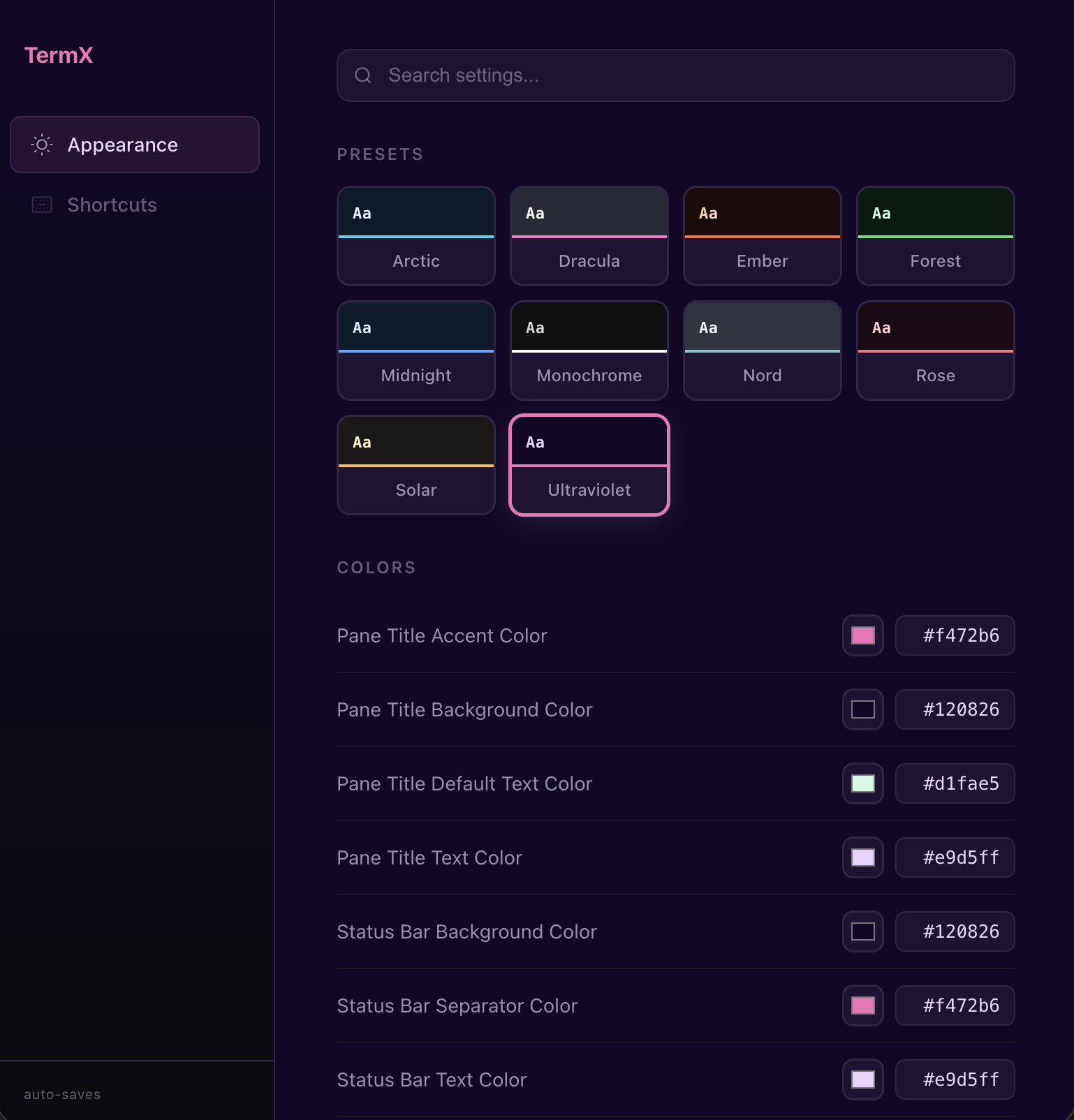
Open the local settings dashboard and find your look. Change a color, see it live, and keep what feels right.
Choose from 50 pixel-art icons. Pick a favorite, or let Random keep things interesting.





Make yourself at home
TermX 2.4.1 · Apple Silicon · macOS 13+
Download the ZIPbrew install --cask ianomad/tap/termx
brew update && brew upgrade --cask termx
Homebrew includes Node.js for web settings. ZIP users need to install it separately. Installation help ↗